
Skip to content
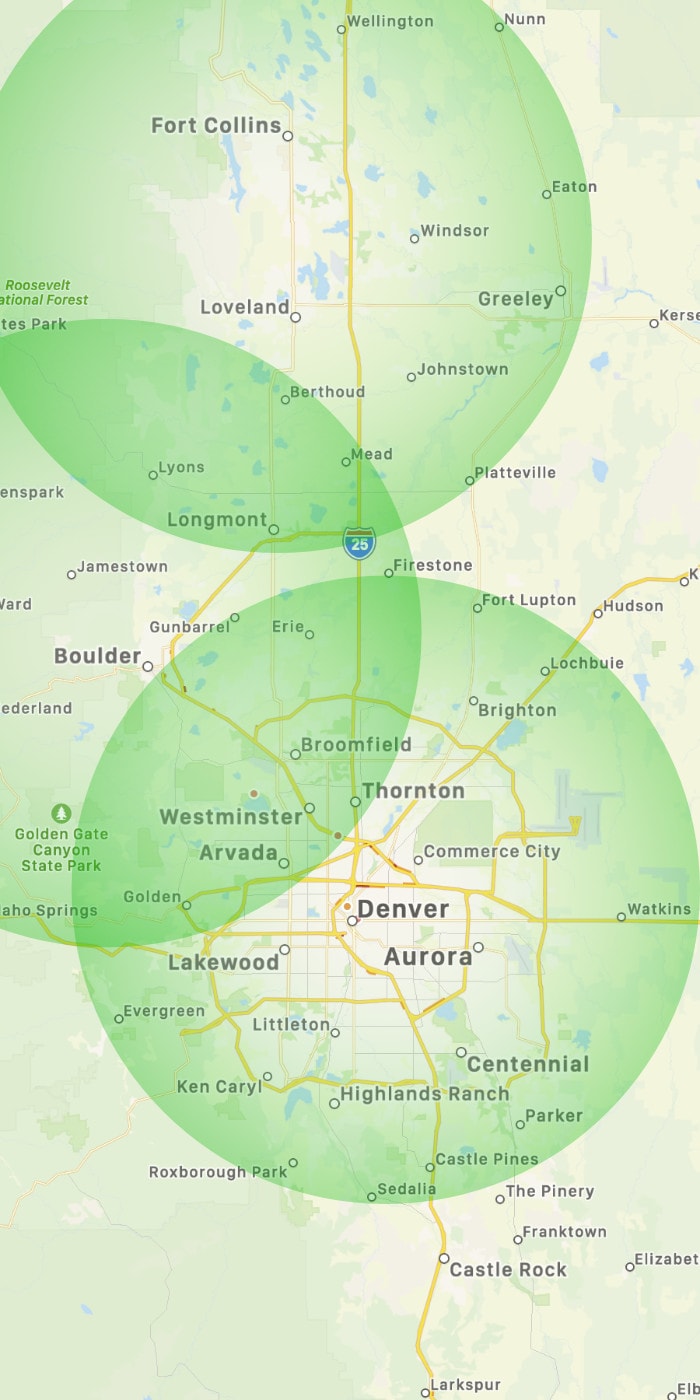
Onsite service for Denver, Boulder & Fort Collins
303-732-3200
Remote Help

RMTT onsite coverage area

Rocky Mountain Tech Team
  • Dental
  • Schools
When autocomplete results are available use up and down arrows to review and enter to go to the desired page. Touch device users, explore by touch or with swipe gestures.
  • About
    • Blog
    • Brew Team
    • Company
    • Pricing
    • Team
    • Top ten reasons…
  • Contact
    • General inquiries
    • Client IT requests
  • Resources
    • Employee hire request
    • Employee termination request
    • New PC questionnaire
    • Pay an invoice
    • Test a printer
    • Work from home
  • Services
    • Services overview
    • Charter schools
    • Dental & orthodontic
    • Managed cloud
    • Network cabling
  • Techs
When autocomplete results are available use up and down arrows to review and enter to go to the desired page. Touch device users, explore by touch or with swipe gestures.
  • About
    • Blog
    • Brew Team
    • Company
    • Pricing
    • Team
    • Top ten reasons…
  • Contact
    • General inquiries
    • Client IT requests
  • Resources
    • Employee hire request
    • Employee termination request
    • New PC questionnaire
    • Pay an invoice
    • Test a printer
    • Work from home
  • Services
    • Services overview
    • Charter schools
    • Dental & orthodontic
    • Managed cloud
    • Network cabling
  • Techs
Rocky Mountain Tech Team
303-732-3200

RMTT Interview Questionnaire (onsite tech)

"*" indicates required fields

Instructions: For us to get a better sense of your approach to these different situations, please answer the questions below (bullet point answers are totally appropriate). If you want to differentiate yourself from other candidates - please don't use Google, ChatGPT, or other AI/search tools.
Name*
In the past 7 years, how many Active Directory server migrations have you completed?
How does the following sample work week sound to you?
Day 1: AM: scheduled onsite visit for routine maintenance checks at a small start up. midday: dental office that needs help with a sensor that won't connect. PM: Install a new laptop that has arrived for a non-profit customer.
Day 2: AM: start the day at home office catching up on emails before 10:00 scheduled onsite at a charter school to ensure student testing environment is ready. PM: monthly team meeting with your peers and team lead, work related agenda first, then axe throwing.
Day 3: AM: your regularly scheduled routine maintenace visit is rescheduled to next week, instead swing by a financial services company to install a new UPS to replace a failed unit. PM: meet with new customer we've signed to begin onboarding process.
Day 4-5: server migration project to replace a near End Of Life Active Directory server and 3 older workstations.
You are at a client and stuck working on an urgent issue with them. You know your next appointment is scheduled before you will be able to wrap up at your current visit and get to your next appointment. What do you do?
A customer has ordered a new laptop to replace an aging one. What steps do you take to get the new laptop ready and ensure the user has access to everything they had before?
Your customer is going on a trip and is concerned about security. How do you ensure they are protected in case of theft or loss? How do you explain what you've implemented to the customer?
This field is hidden when viewing the form
One of your dental clients calls in wanting to update their dental software to the next major version that just released this week. How would you handle this type of request?
This field is hidden when viewing the form
A user is on the internet through wifi but unable to access the mapped drives to the local server - what is the first thing you check?
Task is to perform a routine maintenance check on an office with 1 Windows Server and 15 workstations to ensure everything is in good shape. What are the top 5 most important tasks you peform during this maintenance?
A non-profit 5-user office with 2003 Microsoft Small Business Server has a problem with Microsoft Exchange and after spending a good deal of time on the problem, you are not sure what the resolution is and nobody else is available. There are no restore points and no backup, but all existing mail is available in Outlook in an OST and new mail is being cached with their spam filter. They need email up and running fast as their business depends on email. They also want a good long term solution, what do you do?
Do you have reliable transportation and a laptop?

Status Checks

  • Internet Speed

  • IP Address

  • DNS & Email

  • Microsoft365
  • Google Workspace

  • iCloud

  • Dell Warranty

  • Apple Warranty

  • Snowboard & Ski Conditions

Rocky Mountain Tech Team

Since 2002, we’ve provided full service computer help, network support and IT consulting to hundreds of small businesses across Colorado.

Today, we have locations in Denver, Boulder and Fort Collins with best-in-class tools to remotely support clients everywhere. Contact us for more about the Rocky Mountain Tech Team advantage!

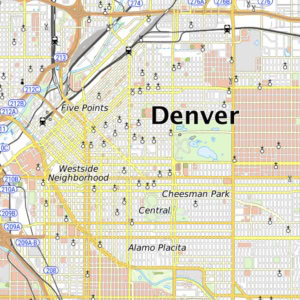
Denver // 303.732.3200
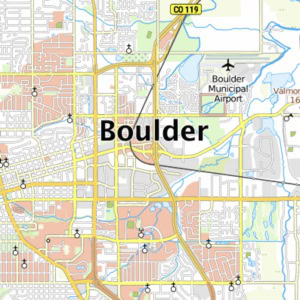
Boulder // 303.815.1900
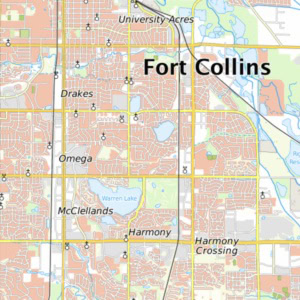
Fort Collins // 970.294.0000
© Rocky Mountain Tech Team. All rights reserved.
Page load link
Go to Top